Kubernetes / Rancher add a new User or Member to a cluster
Dr. Viktor Walter-Tscharf1 MIN. LESEZEIT
This article is for people who want to add a new admin or view user to there Kubernetes cluster, which you manage with Rancher. Let's get started with the following steps.
Steps:
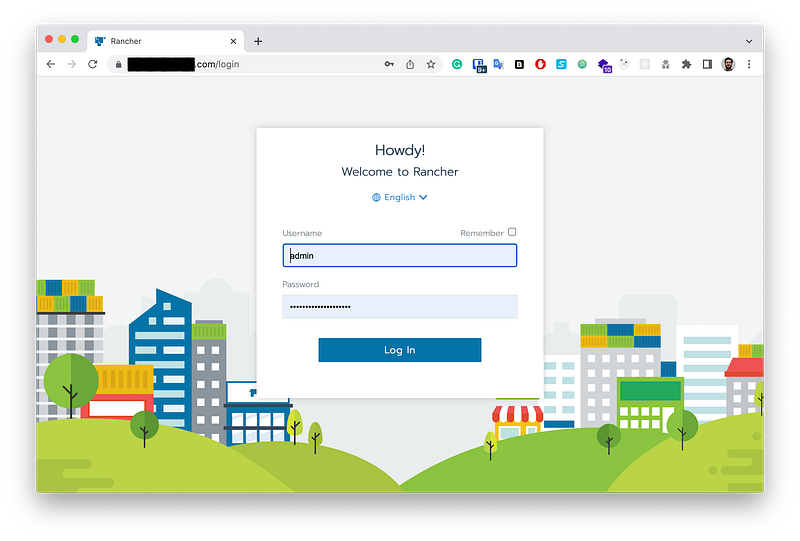
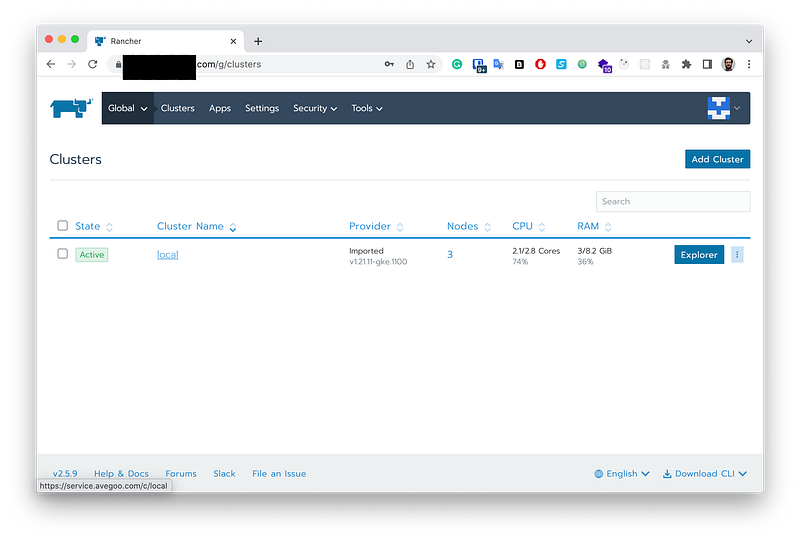
Login in to your rancher cluster via the basic url.
Choose your local cluster
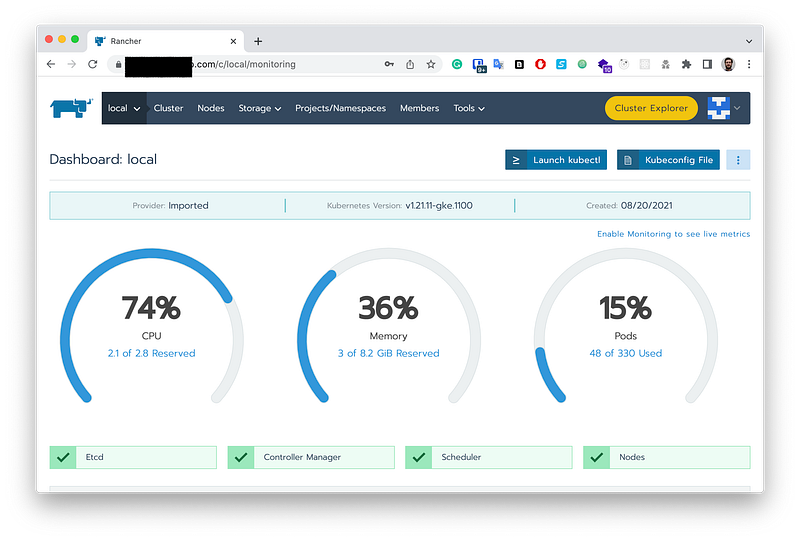
- Click on the button to the Cluster Explorer
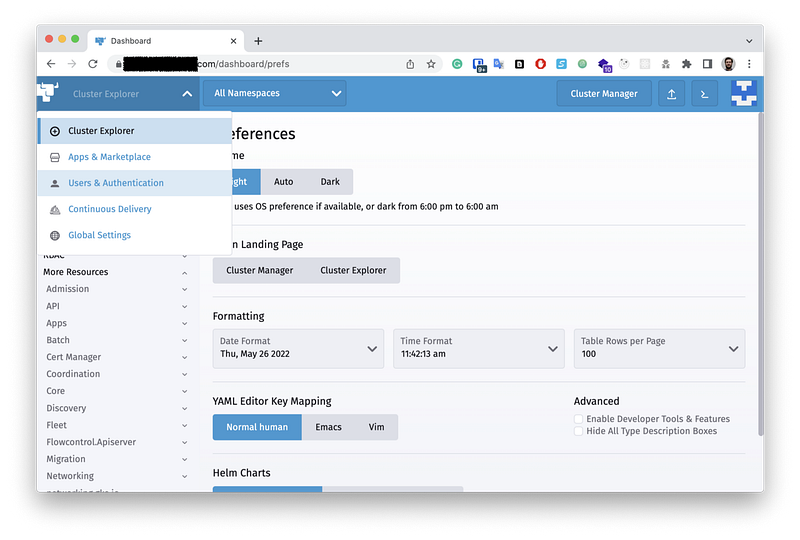
- Open the User & Authentification tab.
- Manage users here:
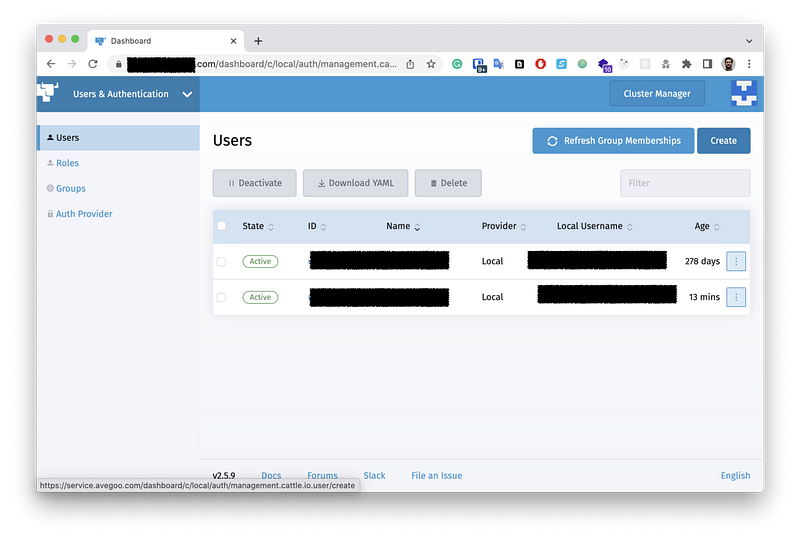
- Click on the add button.
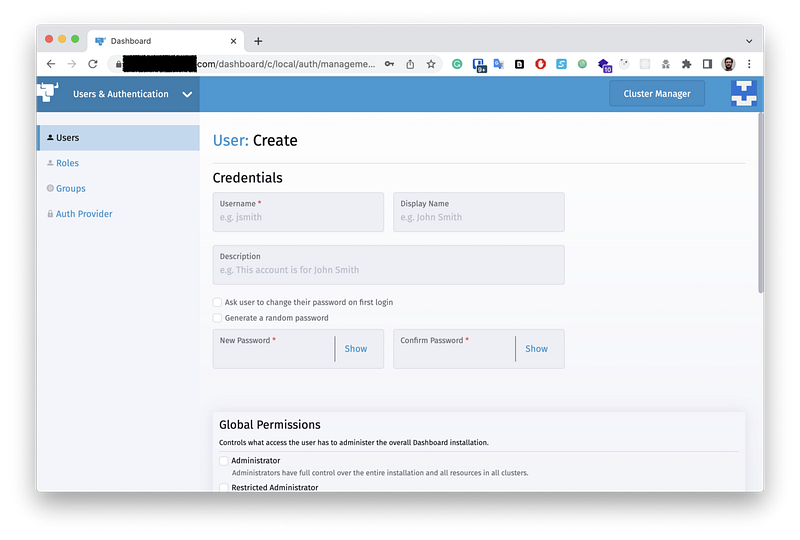
Here you have the possibility to add a new user and also delete or manage all of them.
I hope the article helped. Happy coding!