Debugging SAP ABAP Trace HTTP requests and SSL Certification Issues
Dr. Viktor Walter-Tscharf1 MIN. LESEZEIT
Step by step guide to trace HTTP request issues inside ABAP.
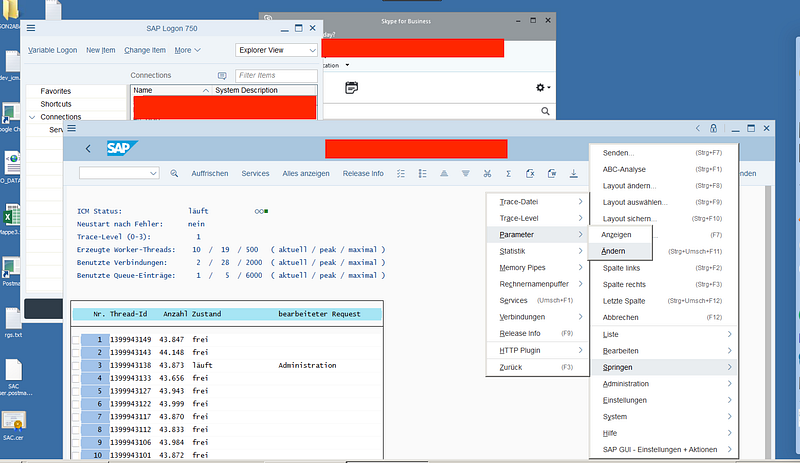
1.Open Transaktion SMICM
2.Click on Change parameters
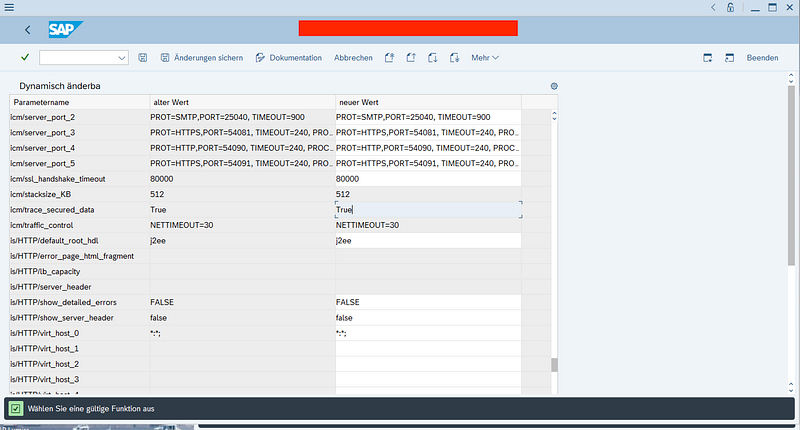
3.Set icm/trace_secured_data to True! And save!
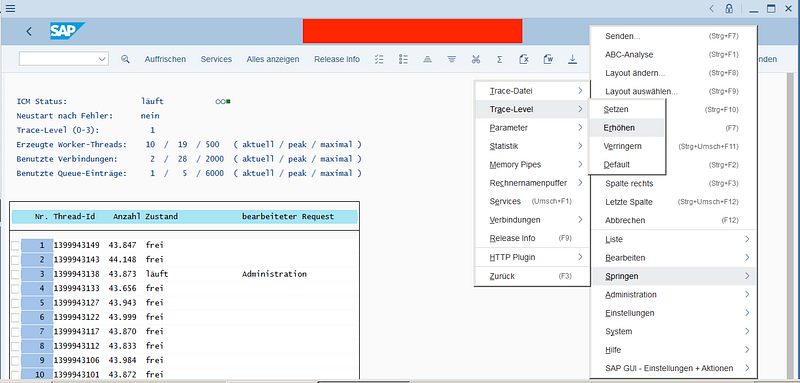
- Increase trace level to three by clicking increase twice or click set and then enter 3.
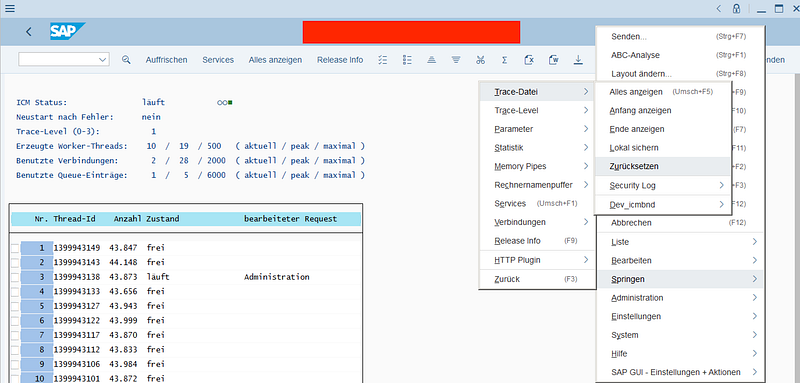
- Reset trace log
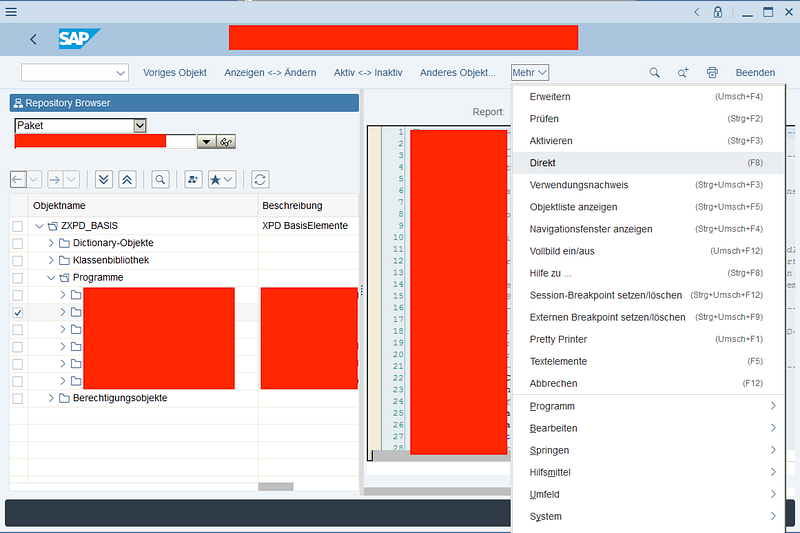
- NOW. Execute the program to be tested or make the request you want to test. Also, you can of cause use the SE80.
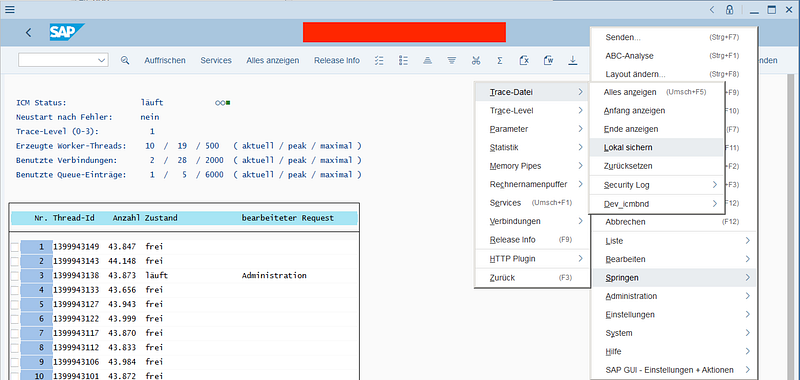
- Save carry file for analyzing the API request locally or display it directly in netweaver.
Now you have the file with all the log entities. In the file you should find a detailed description of the error you are looking for. Also Response and request headers, body etc.
I hope it helped. Happy coding!