NodeJS Concatenate streams / NodeJs add Audio to Video stream / NodeJS Merge multiple streams
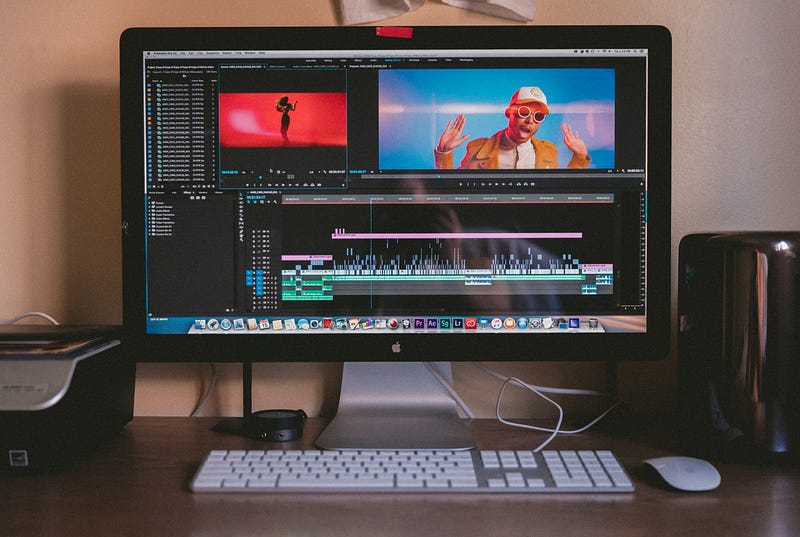
This article is for please how need to merge multiple streams together. My case was that I had two streams a video and audio. In my situation, I needed to merge them both together to have a stream containing both.
Photo by Jakob Owens on Unsplash
Therefore we are using ffmpeg and fluent-ffmpeg. This meant make sure to have them installed. For ffmpeg make sure the tool is accessible though cli.
var ffmpeg = require('fluent-ffmpeg');
// getting the audio and video stream from context
const videoStream = yourVideoStrem;
const audioStream = yourAudioStrem;
// pass audio to files
const outputStreamAudio = fs.createWriteStream('./testfile_audio.webm');
mediaAudioStreamGoogle.pipe(outputStreamAudio);
// pass video to files
const outputStreamVideo = fs.createWriteStream('./testfile_video.mp4');
videoStream.pipe(outputStreamVideo);
// pass video to files
const outputStreamAudioVideo = fs.createWriteStream('./testfile_v-a.mp4');
// combine both streams outputStreamAudio and outputStreamVideo
const ffmpegInstance = ffmpeg();
ffmpegInstance
    .on('end', onEnd )
    .on('progress', onProgress)
    .on('error', onError)
    .input('./media/tmp/testfile_audio.webm')
    //.inputOption("-c copy")
    .input(videoStream)
    .format('mp4')
    // the line below can also be replaced with:
    // .output(outputStreamAudioVideo)
    .output('./testfile_v-a.mp4')
    .run();
// for debugging:
function onProgress(progress) {
        console.log(progress);
}
function onError(err, stdout, stderr) {
    console.log('Cannot process video: ' + err.message);
}
function onEnd() {
    console.log('Finished processing');
}
just replace the yourVideoStrem and yourAudioStrem with your stream and that's it. The code creates a ‘./testfile_v-a.mp4’ file with the both streamed merged together. Keep in mind that you can also replace the line with the output and stream the content directly to another stream writer like the outputStreamAudioVideo.
Therefor you could use something like this for writing the output to the stream:
const ffmpegInstance = ffmpeg();
ffmpegInstance
    .on('end', ffmpegInstanceOnEnd)
    .on('progress', ffmpegInstanceOnProgress)
    .on('error', ffmpegInstanceOnError)
    .input(videoStream)
    .input('./media/tmp/' + destFileName + '_audio.webm')
    .videoCodec('libx264')
    .audioCodec('aac')
    .outputFormat('mp4')
    .outputOptions([
        '-movflags frag_keyframe+empty_moov'
    ])
    .pipe(outputStreamAudioVideo)
I hope it helped. Happy coding.